1. pi 的安装
官网:
npm install -g --ignore-scripts @earendil-works/pi-coding-agent
然后在 powershell 中输入 pi 即可进入 cli
2. 初步配置 pi
下面是 pi 会自动加载的一些配置文件
| 文件 | 作用域 | 路径 |
|---|---|---|
| 全局设置 | 所有项目 | ~/.pi/agent/settings.json |
| 项目设置 | 当前项目 | .pi/settings.json |
| 系统提示(替换) | 项目/全局 | .pi/SYSTEM.md 或 ~/.pi/agent/SYSTEM.md |
| 系统提示(追加) | 项目/全局 | APPEND_SYSTEM.md |
| 上下文文件 | 自动加载 | AGENTS.md 或 CLAUDE.md(当前目录及父目录) |
| 认证信息 | 全局 | ~/.pi/agent/auth.json |
| 快捷键 | 全局 | ~/.pi/agent/keybindings.json |
2.1 配置模型
如果是官方模型,则可以直接进入 pi 后输入 /login 来配置
如果是中转站或者需要手动更换 baseUrl,则需要手动在 C:\Users\yanq.pi\agent 目录下创建编辑 models.json,然后写入配置,此配置文件每个字段的含义可以看 https://github.com/earendil-works/pi/blob/main/packages/coding-agent/docs/models.md
下面是一些常用的配置
2.1.1 gpt 模型
官网 models 配置说明:https://pi.dev/models/amazon-bedrock/openai-gpt-5-6-luna,点击 SHOW CONFIGURATION 就可以看到
{
  "providers": {
    "gpt": {
      "baseUrl": "https://xxx.com/v1",
      "api": "openai-completions",
      "apiKey": "sk-xxxxxx",
      "models": [
        {
          "id": "openai.gpt-5.6-luna",
          "name": "GPT-5.6 Luna",
          "reasoning": true,
          "input": ["text", "image"],
          "thinkingLevelMap": {
              "high": "high",
              "low": "low",
              "max": "max",
              "medium": "medium",
              "minimal": null,
              "off": "none",
              "xhigh": "xhigh"
          },
          "contextWindow": 272000,
          "maxTokens": 128000,
          "cost": {
            "input": 1,
            "output": 6,
            "cacheRead": 0.1,
            "cacheWrite": 1.25
          },
          "compat": {
            "supportsStrictMode": true
          }
        },
        {
          "id": "openai.gpt-5.5",
          "name": "GPT-5.5",
          "reasoning": true,
          "input": [
            "text",
            "image"
          ],
          "thinkingLevelMap": {
            "xhigh": "xhigh"
          },
          "contextWindow": 272000,
          "maxTokens": 128000,
          "cost": {
            "input": 5.5,
            "output": 33,
            "cacheRead": 0.55,
            "cacheWrite": 0
          },
          "compat": {
            "supportsStrictMode": true
          }
        }
      ]
    }
  }
}
2.1.2 grok 模型
    "grok": {
      "api": "openai-responses",
      "baseUrl": "https://xxx.com/v1",
      "apiKey": "sk-xxxxx",
      "models": [
        {
          "id": "grok-4.5",
          "name": "Grok 4.5",
          "reasoning": true,
          "input": ["text", "image"],
          "thinkingLevelMap": {
            "off": null,
            "minimal": null,
            "low": "low",
            "medium": "medium",
            "high": "high",
            "xhigh": null,
            "max": null
          },
          "contextWindow": 500000,
          "maxTokens": 500000,
          "cost": {
            "input": 2,
            "output": 6,
            "cacheRead": 0.5,
            "cacheWrite": 0
          },
          "compat": {
            "sessionAffinityFormat": "openai-nosession"
          }
        }
      ]
    }
2.2 常用快捷键和命令
- 快捷键:https://pi.dev/docs/latest/keybindings
编辑器功能
| 功能 | 操作方法 |
|---|---|
| 文件引用 | 输入 @ 来模糊搜索项目文件 |
| 路径自动补全 | 按 Tab 键补全路径 |
| 多行输入 | 按 Shift+Enter,或在 Windows 终端中按 Ctrl+Enter |
| 复制回复内容 | 按 Ctrl+X 复制上一条助手消息;在 /tree 中,则复制选中的消息 |
| 图片输入 | 按 Ctrl+V(Windows 上为 Alt+V)粘贴图片,或将图片拖入终端 |
| Shell 命令(可见) | !command 运行命令并将输出发送给模型 |
| Shell 命令(隐藏) | !!command 运行命令,不 将输出发送给模型 |
| 外部编辑器 | 按 Ctrl+G 打开外部编辑器(依次使用 $VISUAL、$EDITOR 环境变量,Windows 上使用记事本,其他系统则使用 nano) |
斜杠命令
| 命令 | 用途 |
|---|---|
/login、/logout | 登录或清除凭据 |
/model | 切换模型 |
/scoped-models | 配置模型循环列表 |
/settings | 设置 thinking、主题、消息投递方式等 |
/new | 新建会话 |
/resume | 恢复历史会话 |
/session | 查看当前会话文件、ID、Token 和费用 |
/name <name> | 设置会话名称 |
/tree | 查看并跳转会话分支 |
/fork | 从历史消息创建新会话 |
/clone | 克隆当前分支 |
/compact | 压缩上下文 |
/copy | 复制最后一条回复 |
/export [file] | 导出 HTML 或 JSONL |
/import <file> | 导入 JSONL 会话 |
/reload | 重载配置、扩展、技能和上下文 |
/trust | 信任当前项目目录 |
/share | 分享为私有 GitHub gist |
/llama | 管理 llama.cpp 模型 |
/changelog | 查看版本记录 |
/quit | 退出 |
2.3 常用 cli 命令
# 继续最近一次会话
pi -c

# 浏览历史会话
pi -r

# 指定会话名称
pi --name "代码审查"

# 一次性执行
pi -p "总结这个项目"

# 引用文件
pi @README.md "总结这个文件"

# PowerShell 管道输入
Get-Content README.md | pi -p "总结这段内容"

# 指定 Provider 和模型
pi --provider openai --model gpt-4o "重构这段代码"

# 只允许只读工具
pi --tools read,grep,find,ls -p "检查代码"

# JSON / RPC 模式
pi --mode json
pi --mode rpc

# 导出会话
pi --export <session-file> <output.html>
3. pi抓包
使用代理对pi模型的网络请求进行抓包,就可以很清晰了解pi的工作原理和agent loop实现
$env:HTTP_PROXY='http://127.0.0.1:9000'; $env:HTTPS_PROXY='http://127.0.0.1:9000'; $env:NO_PROXY='"''"'; $env:NODE_EXTRA_CA_CERTS='C:\Users\yanq\AppData\Roaming\Reqable\certificate\reqable-root.crt'; pi --provider longcat --model LongCat-2.0 --thinking high --no-session -p '只回复 OK,不要调用工具。'
POST /openai/v1/chat/completions HTTP/1.1
host: api.longcat.chat
connection: keep-alive
Accept: application/json
User-Agent: OpenAI/JS 6.26.0
X-Stainless-Retry-Count: 0
X-Stainless-Timeout: 300
X-Stainless-Lang: js
X-Stainless-Package-Version: 6.26.0
X-Stainless-OS: Windows
X-Stainless-Arch: x64
X-Stainless-Runtime: node
X-Stainless-Runtime-Version: v26.5.1
authorization: Bearer ak_xxxx
content-type: application/json
accept-language: *
sec-fetch-mode: cors
accept-encoding: br, gzip, deflate
content-length: 6641

{"model":"LongCat-2.0","messages":[{"role":"system","content":"You are an expert coding assistant operating inside pi, a coding agent harness. You help users by reading files, executing commands, editing code, and writing new files.\n\nAvailable tools:\n- read: Read file contents\n- bash: Execute bash commands (ls, grep, find, etc.)\n- edit: Make precise file edits with exact text replacement, including multiple disjoint edits in one call\n- write: Create or overwrite files\n- todo: Manage a todo list for the current user turn (add / toggle / clear)\n\nIn addition to the tools above, you may have access to other custom tools depending on the project.\n\nGuidelines:\n- Use bash for file operations like ls, rg, find\n- Use read to examine files instead of cat or sed.\n- Inspect PI_* environment variables for current model and session details.\n- Use edit for precise changes (edits[].oldText must match exactly)\n- When changing multiple separate locations in one file, use one edit call with multiple entries in edits[] instead of multiple edit calls\n- Each edits[].oldText is matched against the original file, not after earlier edits are applied. Do not emit overlapping or nested edits. Merge nearby changes into one edit.\n- Keep edits[].oldText as small as possible while still being unique in the file. Do not pad with large unchanged regions.\n- Use write only for new files or complete rewrites.\n- Use the todo tool to track multi-step work: add items before starting, toggle done as each step completes, and clear when finished.\n- Todo items are scoped to the current user turn and are reset before the next user turn begins.\n- Toggle todo items by id; call todo list first if the ids are unknown.\n- Be concise in your responses\n- Show file paths clearly when working with files\n\nPi documentation (read only when the user asks about pi itself, its SDK, extensions, themes, skills, or TUI):\n- Main documentation: C:\\Users\\yanq\\AppData\\Roaming\\npm\\node_modules\\@earendil-works\\pi-coding-agent\\README.md\n- Additional docs: C:\\Users\\yanq\\AppData\\Roaming\\npm\\node_modules\\@earendil-works\\pi-coding-agent\\docs\n- Examples: C:\\Users\\yanq\\AppData\\Roaming\\npm\\node_modules\\@earendil-works\\pi-coding-agent\\examples (extensions, custom tools, SDK)\n- When reading pi docs or examples, resolve docs/... under Additional docs and examples/... under Examples, not the current working directory\n- When asked about: extensions (docs/extensions.md, examples/extensions/), themes (docs/themes.md), skills (docs/skills.md), prompt templates (docs/prompt-templates.md), TUI components (docs/tui.md), keybindings (docs/keybindings.md), SDK integrations (docs/sdk.md), custom providers (docs/custom-provider.md), adding models (docs/models.md), pi packages (docs/packages.md), environment variables (docs/environment-variables.md)\n- When working on pi topics, read the docs and examples, and follow .md cross-references before implementing\n- Always read pi .md files completely and follow links to related docs (e.g., tui.md for TUI API details)\nCurrent working directory: D:/doc/tg"},{"role":"user","content":[{"type":"text","text":"只回复 OK,不要调用工具。"}]}],"stream":true,"stream_options":{"include_usage":true},"store":false,"max_completion_tokens":128000,"tools":[{"type":"function","function":{"name":"read","description":"Read the contents of a file. Supports text files and images (jpg, png, gif, webp, bmp). Images are sent as attachments. For text files, output is truncated to 2000 lines or 50KB (whichever is hit first). Use offset/limit for large files. When you need the full file, continue with offset until complete.","parameters":{"type":"object","required":["path"],"properties":{"path":{"type":"string","description":"Path to the file to read (relative or absolute)"},"offset":{"type":"number","description":"Line number to start reading from (1-indexed)"},"limit":{"type":"number","description":"Maximum number of lines to read"}}},"strict":false}},{"type":"function","function":{"name":"bash","description":"Execute a bash command in the current working directory. Returns stdout and stderr. Output is truncated to last 2000 lines or 50KB (whichever is hit first). If truncated, full output is saved to a temp file. Optionally provide a timeout in seconds.","parameters":{"type":"object","required":["command"],"properties":{"command":{"type":"string","description":"Bash command to execute"},"timeout":{"type":"number","description":"Timeout in seconds (optional, no default timeout)"}}},"strict":false}},{"type":"function","function":{"name":"edit","description":"Edit a single file using exact text replacement. Every edits[].oldText must match a unique, non-overlapping region of the original file. If two changes affect the same block or nearby lines, merge them into one edit instead of emitting overlapping edits. Do not include large unchanged regions just to connect distant changes.","parameters":{"type":"object","required":["path","edits"],"properties":{"path":{"type":"string","description":"Path to the file to edit (relative or absolute)"},"edits":{"type":"array","items":{"type":"object","required":["oldText","newText"],"properties":{"oldText":{"type":"string","description":"Exact text for one targeted replacement. It must be unique in the original file and must not overlap with any other edits[].oldText in the same call."},"newText":{"type":"string","description":"Replacement text for this targeted edit."}}},"description":"One or more targeted replacements. Each edit is matched against the original file, not incrementally. Do not include overlapping or nested edits. If two changes touch the same block or nearby lines, merge them into one edit instead."}}},"strict":false}},{"type":"function","function":{"name":"write","description":"Write content to a file. Creates the file if it doesn't exist, overwrites if it does. Automatically creates parent directories.","parameters":{"type":"object","required":["path","content"],"properties":{"path":{"type":"string","description":"Path to the file to write (relative or absolute)"},"content":{"type":"string","description":"Content to write to the file"}}},"strict":false}},{"type":"function","function":{"name":"todo","description":"Manage a todo list for the current user turn. Actions: list, add, toggle, and clear.","parameters":{"type":"object","required":["action"],"properties":{"action":{"type":"string","enum":["list","add","toggle","clear"]},"text":{"type":"string","description":"Todo text (for add)"},"id":{"type":"number","description":"Todo ID (for toggle)"}}},"strict":false}}]}
pi只定义了read、bash、edit、write四个工具,第一轮对话完只有不到1K的上下文,而 codex 首轮是 18K。所以pi的速度也比较快,比较简单。
4. pi-desk
pi的gui项目太多了,下面是已有的gui软件:
- https://github.com/ayuayue/PiDeck
- https://github.com/agegr/pi-web
- https://github.com/DLYZZT/pi-desktop
- https://github.com/minghinmatthewlam/pi-gui
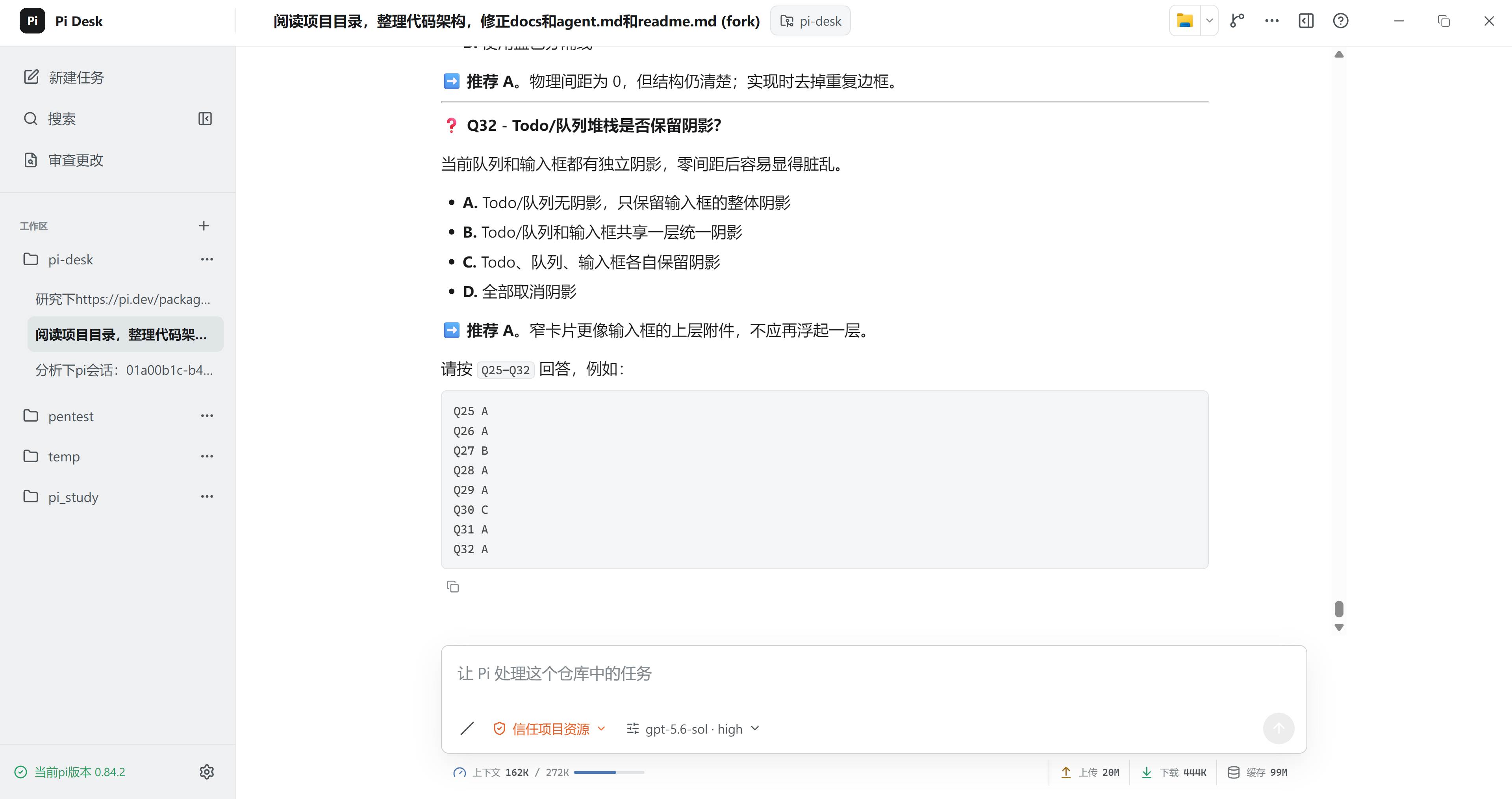
既然只是外壳,还是喜欢自己造轮子,于是写了一个pi-desk的GUI软件,基于wails+pi-rpc,可支持mac,linux,windows,有兴趣的可以尝试,正在逐步完善中